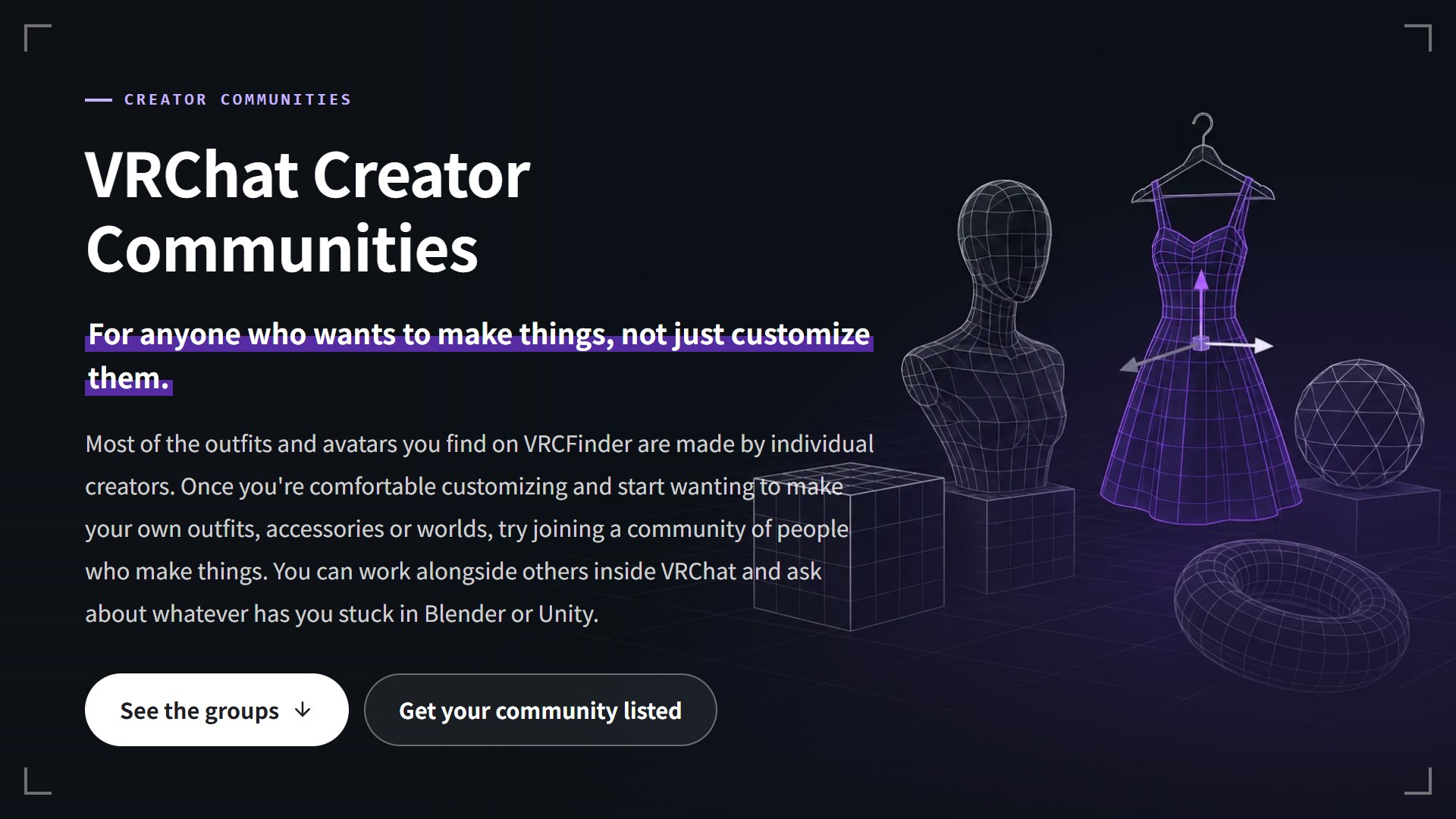
Once you're comfortable customizing avatars, you might want to do more than recolor an outfit. Maybe reshape a sleeve yourself, or make one small accessory in Blender. Have you ever opened a tutorial video for that, gotten stuck partway through, and just closed it?
When it's hard to keep going on your own, a creator community, a place where people who make things get together, can help a lot. Inside VRChat, there are groups that meet at set times to work side by side and help each other by showing their screens. In this post, I'll introduce VRChat Creator Communities, a new page on VRCFinder for finding those groups, and explain how community organizers can get listed.
What You'll Learn
- What you can do in a VRChat creator community
- What's on the new VRChat Creator Communities page
- 3DCG Workshop Very Poor, the first community listed
- How to get your community listed (it's free)
A creator community is "where makers gather"
A creator community is a group of people who make things for VRChat: models, outfits, worlds and more. They get together in a few different ways, all inside VRChat.
| Type of gathering | What happens there? | Example (Very Poor) |
|---|---|---|
| Co-working session | Everyone gathers in the same instance and works on their own project | The 24/7 work instance, the Tuesday beginner session |
| Study group / lecture | Someone teaches, and others learn how to use a tool | The "Unity Isn't Scary" lectures, five-minute mini lessons |
| Meetup | People show their work and talk about making things | The Saturday 22:00 JST meetup, outfit-making gatherings |
If you've never heard of a "co-working session," it might be hard to picture. It's less about being taught and more about being in the same room, each working on your own thing. Like studying at a library, it's easier to keep going when someone next to you is working too, and when you get stuck, there's someone nearby to ask.
Why introduce communities on VRCFinder?
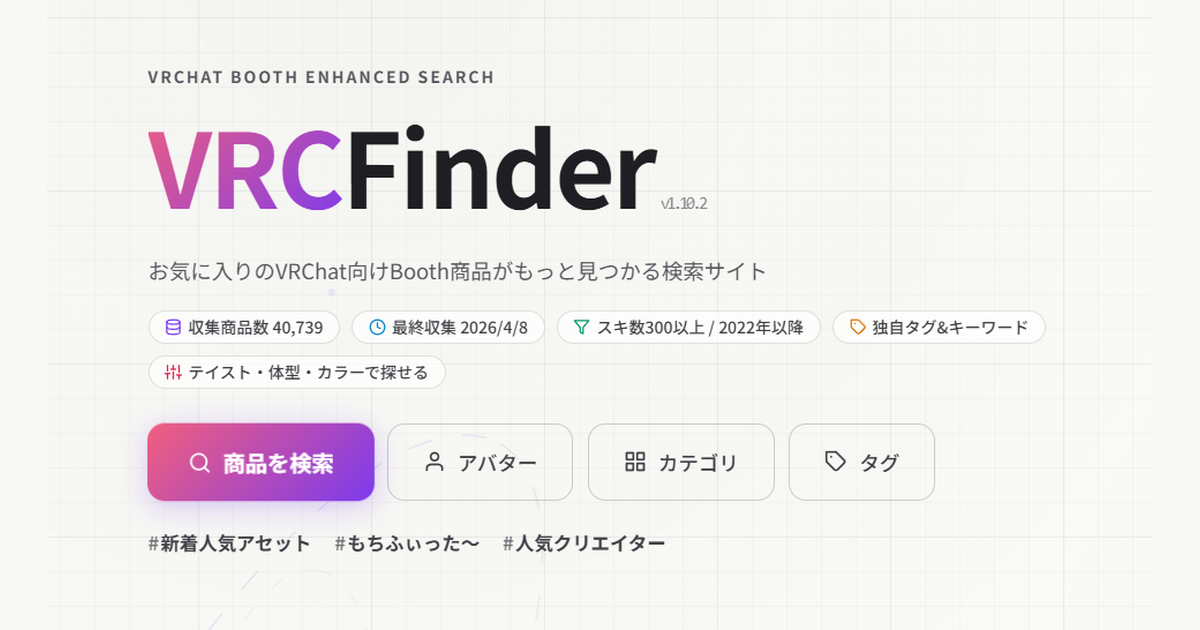
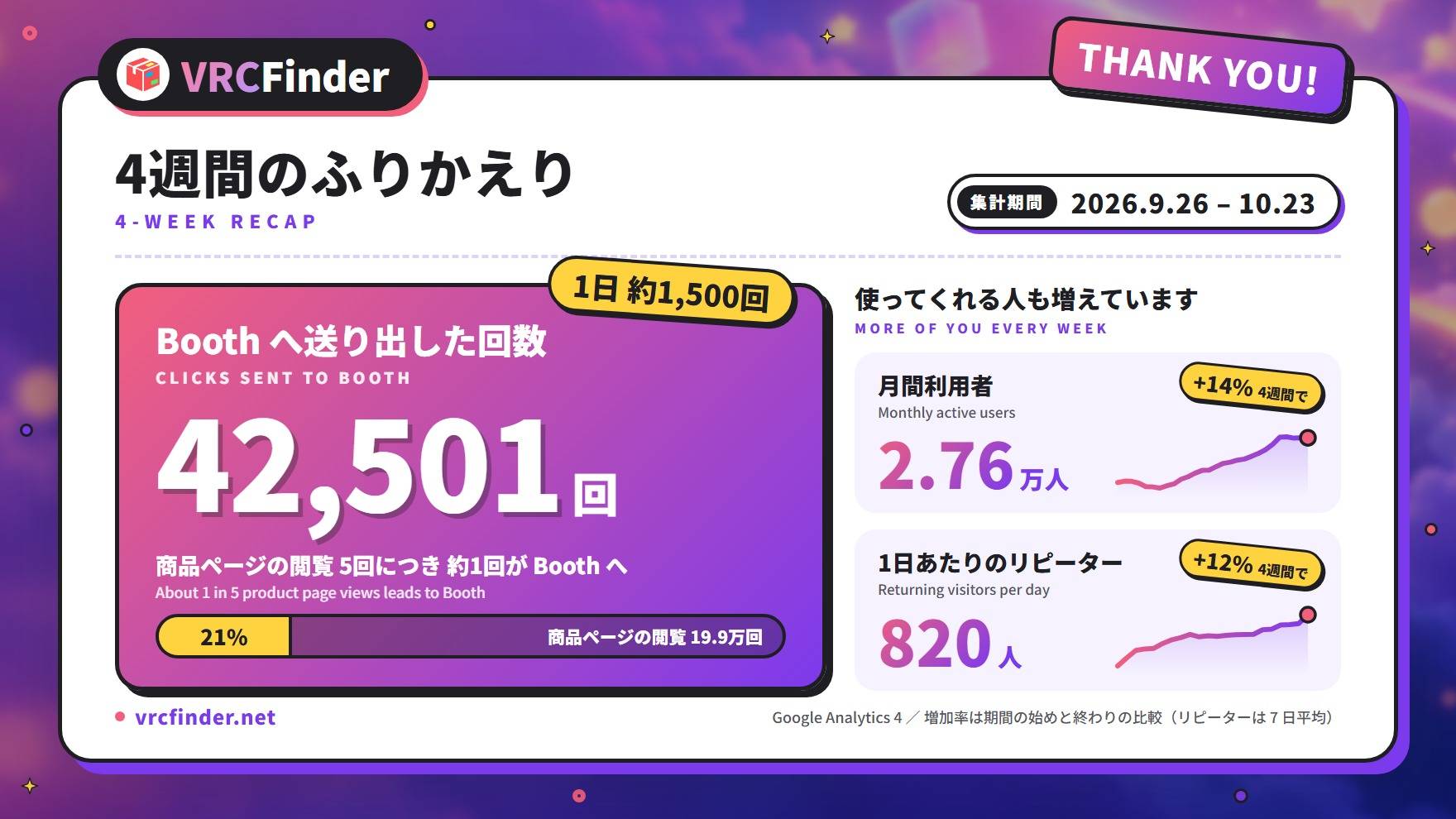
VRCFinder is a site that makes VRChat assets on Booth easier to find. Thankfully, more people have been using it little by little: over the four weeks from September 26 to October 23, 2026, VRCFinder sent 42,501 clicks to Booth product pages. Monthly users came to about 27,600, up 14% over those same four weeks.
As more people use the site, I've noticed more creators who sell on Booth, and more people thinking "maybe I could make something myself." From finding assets to making them: I wanted the site to have a next stop for people taking that step.
The catch is that information about creator communities is scattered across announcements on X, and unless you already know people on the making side, these places are hard to find. So I put together a page that helps people who want to make things find a community.
A tour of the page
The page runs in this order: the group list, what you get from joining, how to get started, and how to get listed. Here's what to look at in each part.
The group list: see when things happen at a glance
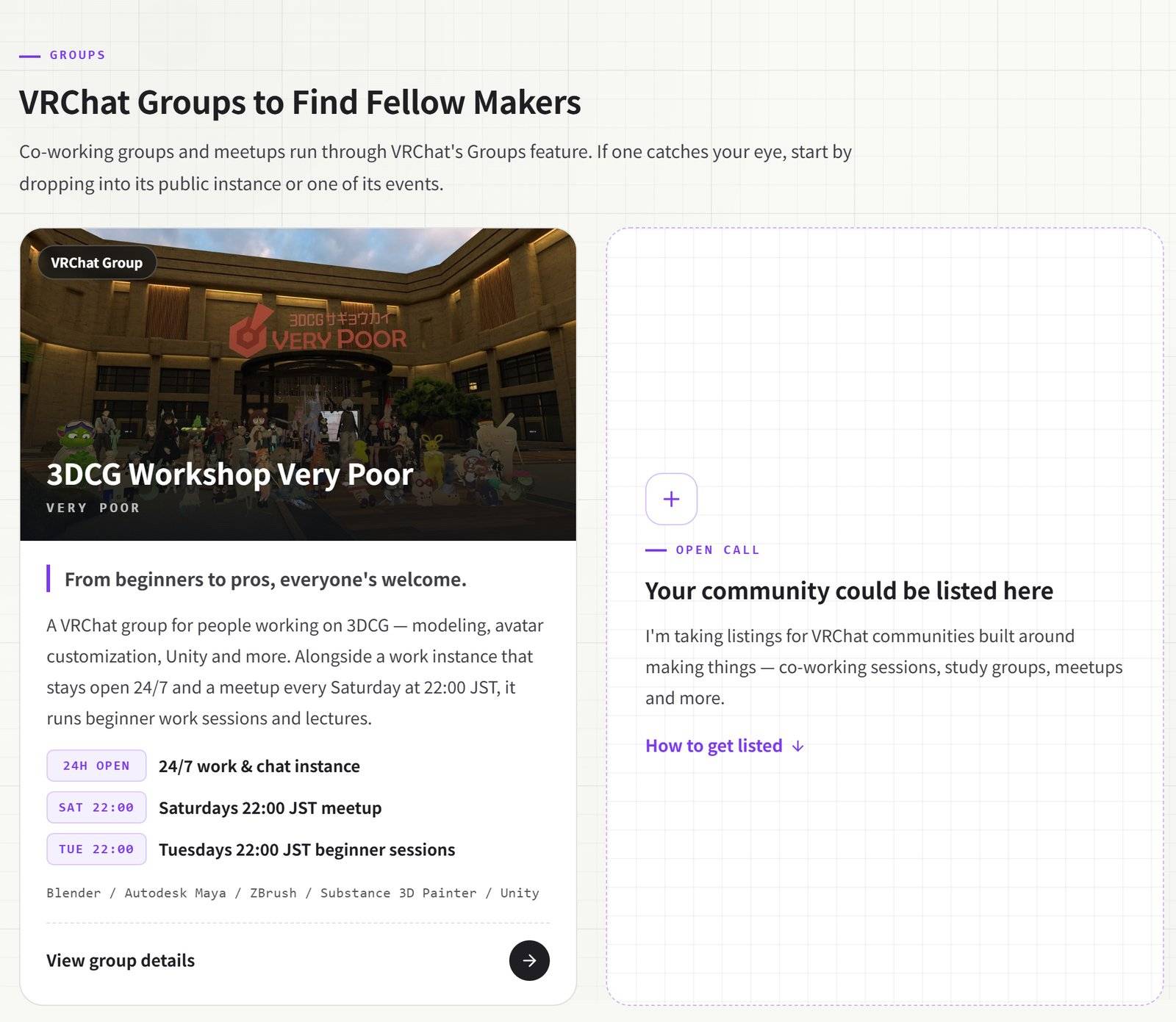
The list shows each group as a card with a photo. The lower half of the card sums up when things happen and what they are. Time labels like "24H OPEN" and "SAT 22:00" let you tell whether a group fits your schedule before you even open the card.
Below that are the tools people there tend to use, so you can check whether they match what you want to learn, whether that's starting out in Blender or getting things working in Unity.
Why join: how common worries change
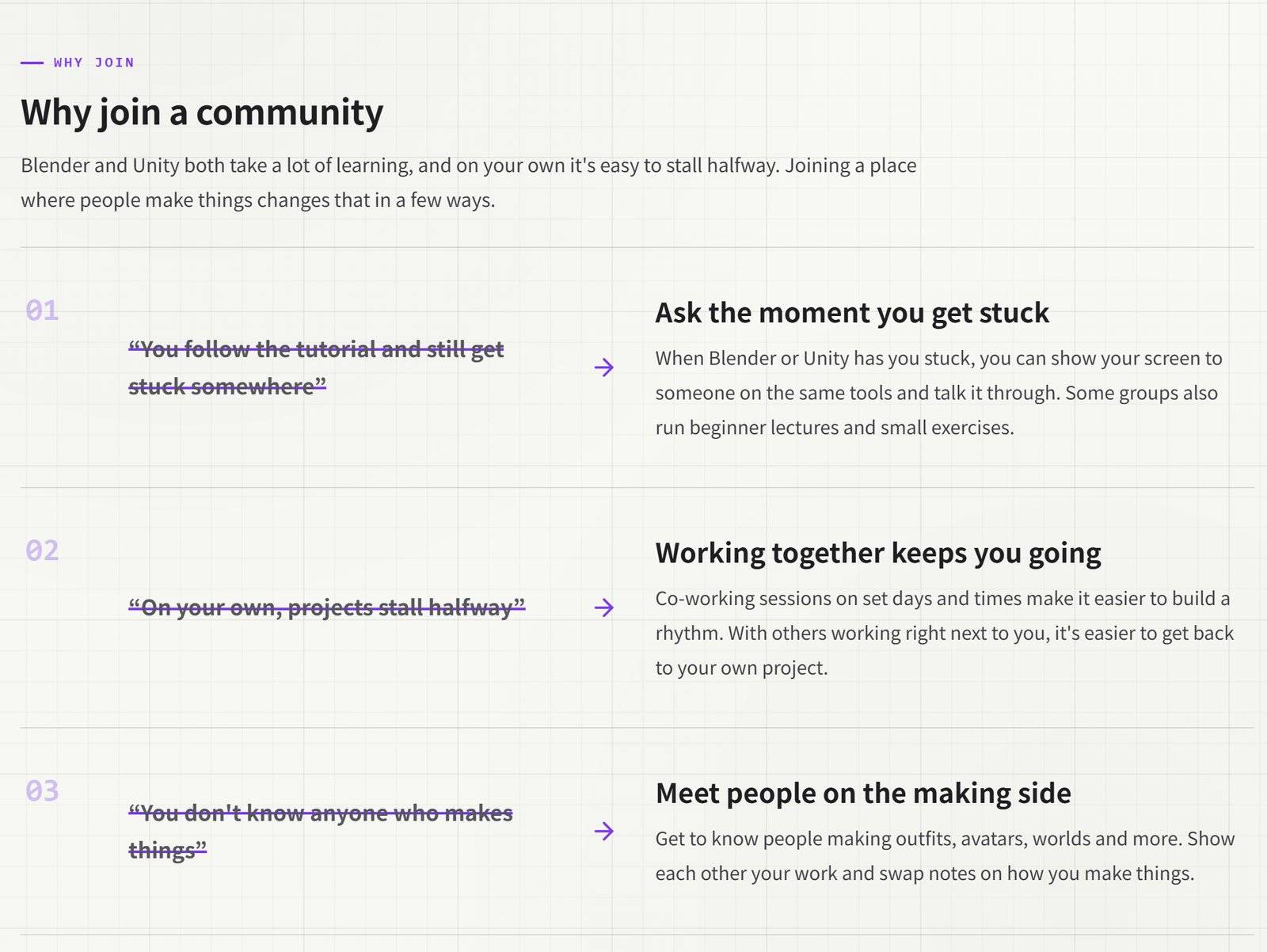
This section takes three worries that people starting out on their own often run into, and shows what changes once you join a community. As it scrolls into view, each worry gets a purple line through it that leads to the answer on the right.
- "I follow the tutorial and still get stuck somewhere" → You can ask the moment you get stuck
- "On my own, projects stall halfway" → Working together keeps you going
- "I don't know anyone who makes things" → You meet people on the making side
Group pages: the weekly schedule and past activity
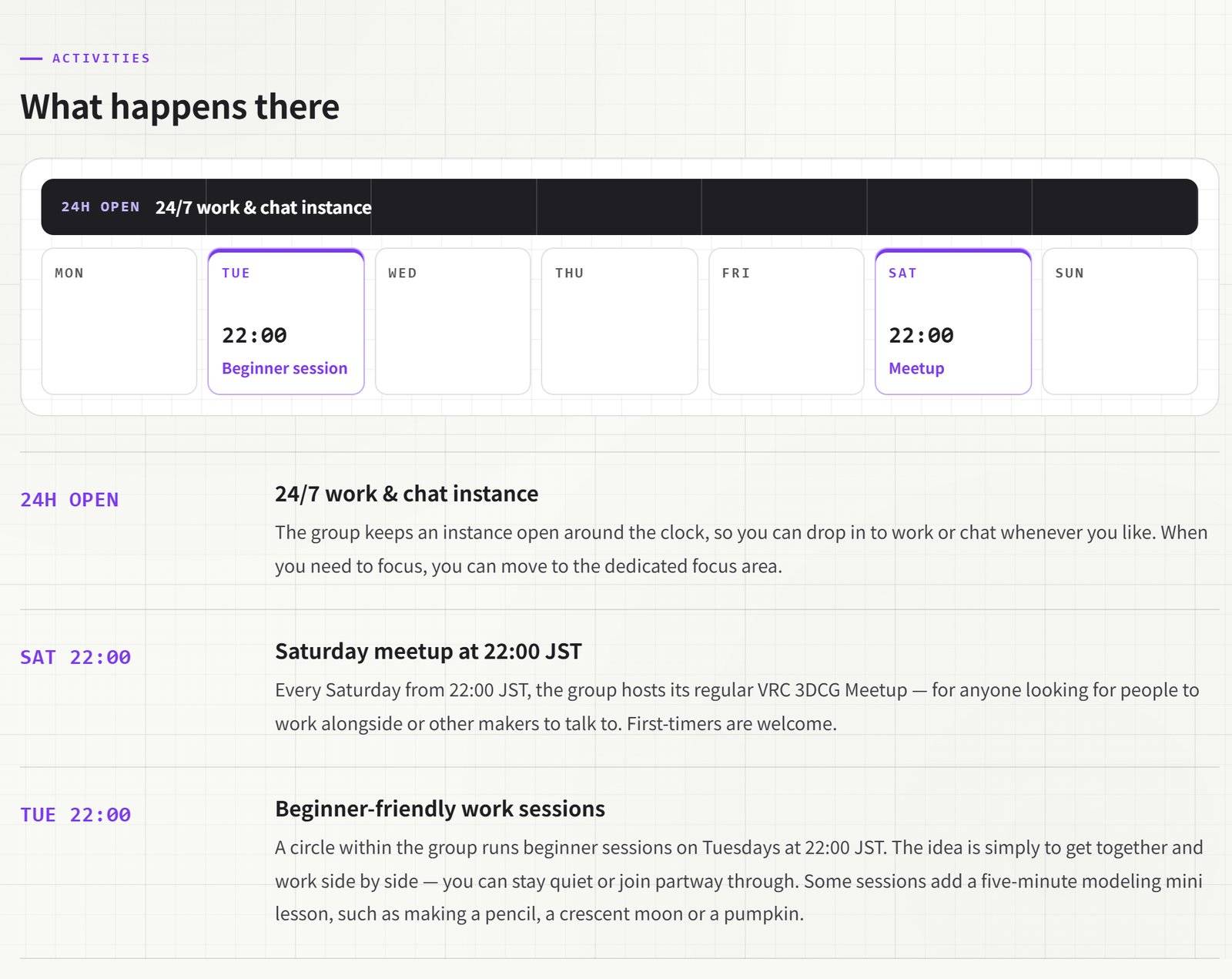
Open a card and you'll land on that group's own page. The highlight is the weekly schedule. An instance that's open around the clock shows up as a bar across the whole week, and events on set days appear in that day's box with their time and name. You can tell "something's on Tuesday and Saturday nights" without reading a word.
Each page also covers what the group is like, who it suits, how to join, photos and past events, all based on what the group has posted on X. Links to its X account and VRChat group are right there, so you can join straight away.
First up: 3DCG Workshop Very Poor
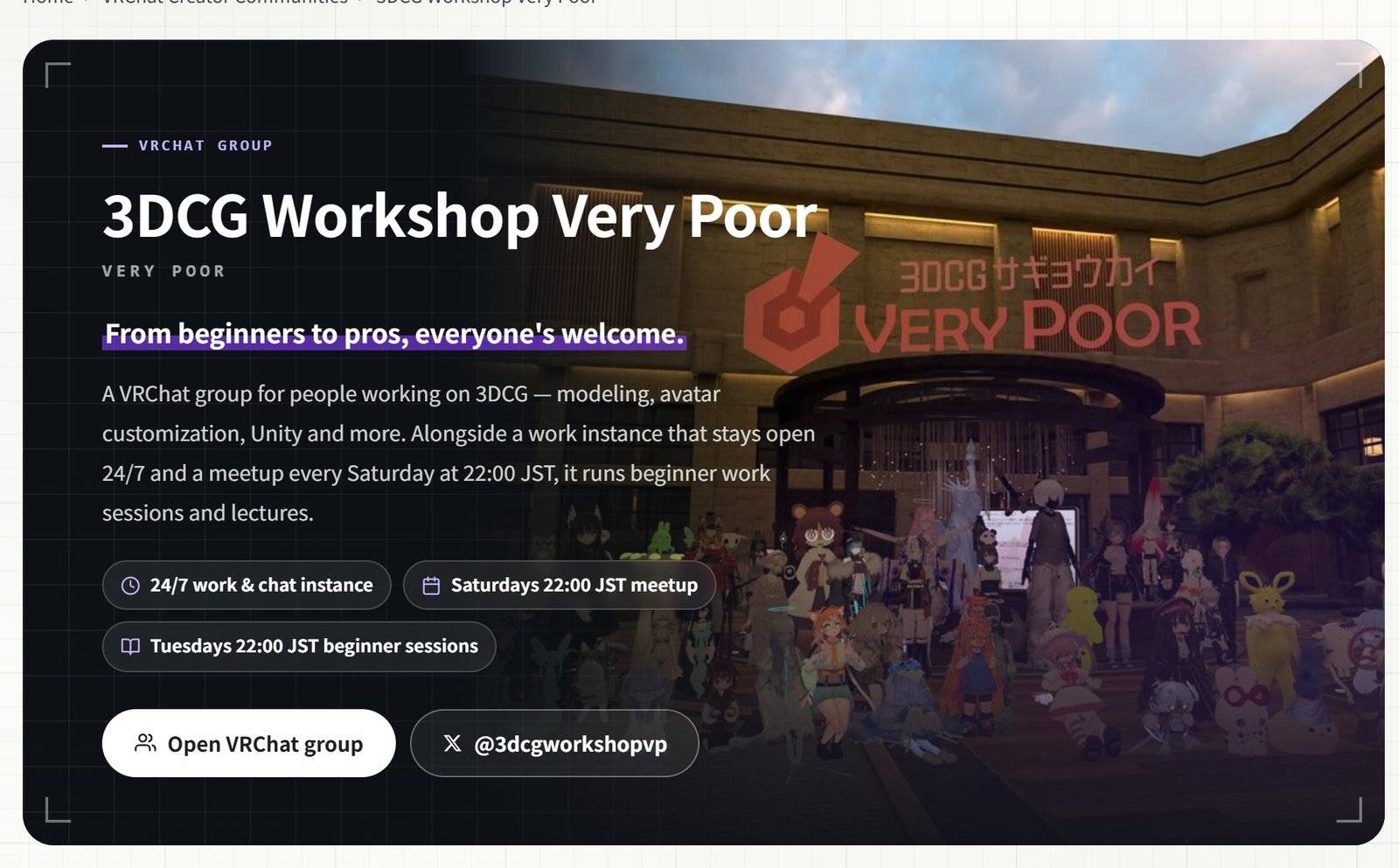
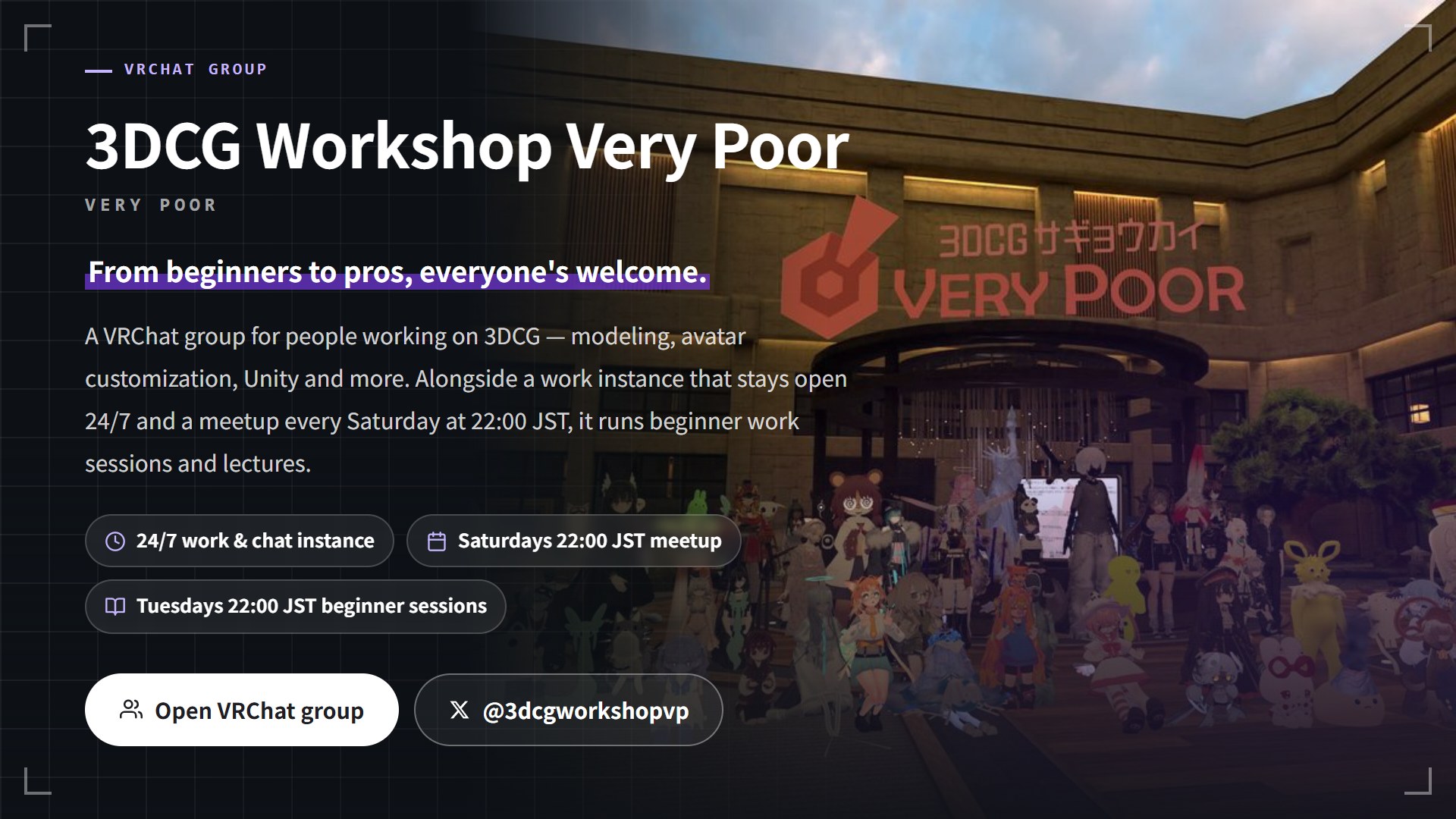
The first community on the page is the VRChat group 3DCG Workshop Very Poor. It's a group for people working on 3DCG, including modeling, avatar customization and Unity, with over 1,600 members as of October 2026. Its poster says "From beginners to pros, everyone's welcome," and events like the VRC Outfit-Making Meetup draw enough people to fill an instance to capacity.
The group keeps an instance open 24/7 and runs a meetup every Saturday and a beginner-friendly work session on Tuesdays, both at 22:00 JST. Some beginner sessions include a mini lesson on modeling a pencil or a pumpkin in about five minutes, which makes it an easy place to start if you're new to Blender.
The organizers, iQno and Shirotsu, checked the page's content and kindly agreed to the listing. I've written more about the group in "What Is Very Poor? A Beginner-Friendly VRChat 3DCG Workshop With a 24/7 Work Room."
For community organizers: listing is free
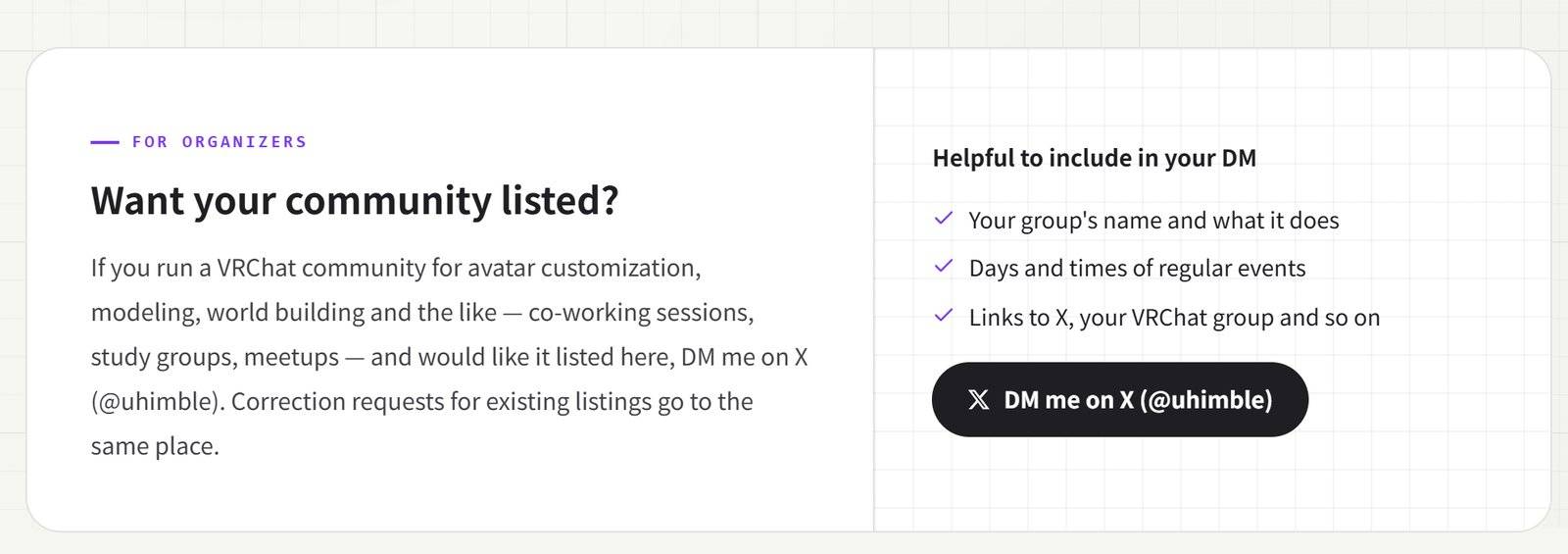
This part is for people who run communities. If you host co-working sessions, study groups, meetups or similar in VRChat around avatar customization, modeling, world building and the like, and you'd like to be on this page, just DM me on X (@uhimble). Listing is free, with no cost involved.
Here's how listing works.
| Step | What happens | Who |
|---|---|---|
| 1 | Send a DM on X (@uhimble) | You |
| 2 | I build a listing page from the posts you've made public on X | VRCFinder |
| 3 | Before it goes live, you check the content and the photos | You |
| 4 | Once you're happy with it, it goes live | VRCFinder |
It helps if your DM includes:
- Your group's name and what it does
- Days and times of regular events
- Links to X, your VRChat group and so on
People come to VRCFinder every day looking for outfits and avatars. I'd be glad if this page helps the ones who start wanting to make things find their way to your community.
FAQ
Does listing cost anything?
No. Both the listing and any corrections afterward are free.
Do I need to prepare the description or photos?
No. I'll write the description and pick photos based on the posts you've made public on X. Before anything goes live, you'll see the content and photos, and I'll make any changes you ask for.
What if something changes after I'm listed?
If your event days change or you start a new session, send corrections through the same X DM.
Sponsored
Summary
VRChat Creator Communities is a page that connects people who want to make things with communities of people who make things.
- In creator communities, you can work side by side and ask questions at co-working sessions, study groups and meetups
- Cards on the list show when things happen and which tools are used; group pages show the weekly schedule and past events
- The first listing is 3DCG Workshop Very Poor, with a work instance open 24/7
- Listing is free. Organizers can DM me on X (@uhimble)
When you find yourself wanting to make something after customizing for a while, don't go it alone; go where the makers are. I'll keep adding communities bit by bit.
To keep reading, What Is Very Poor? A Beginner-Friendly VRChat 3DCG Workshop With a 24/7 Work Room takes a closer look at the first group.