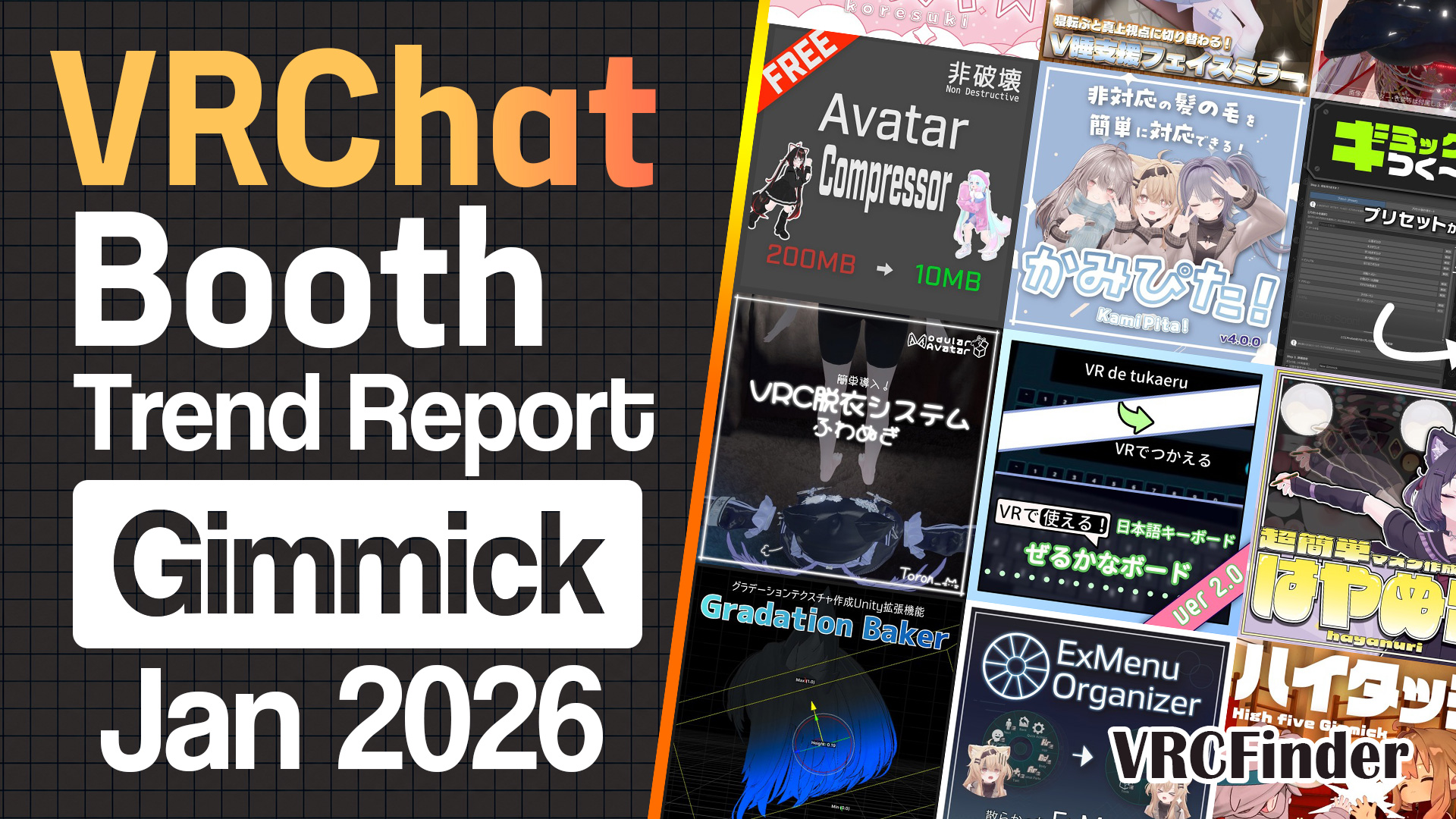
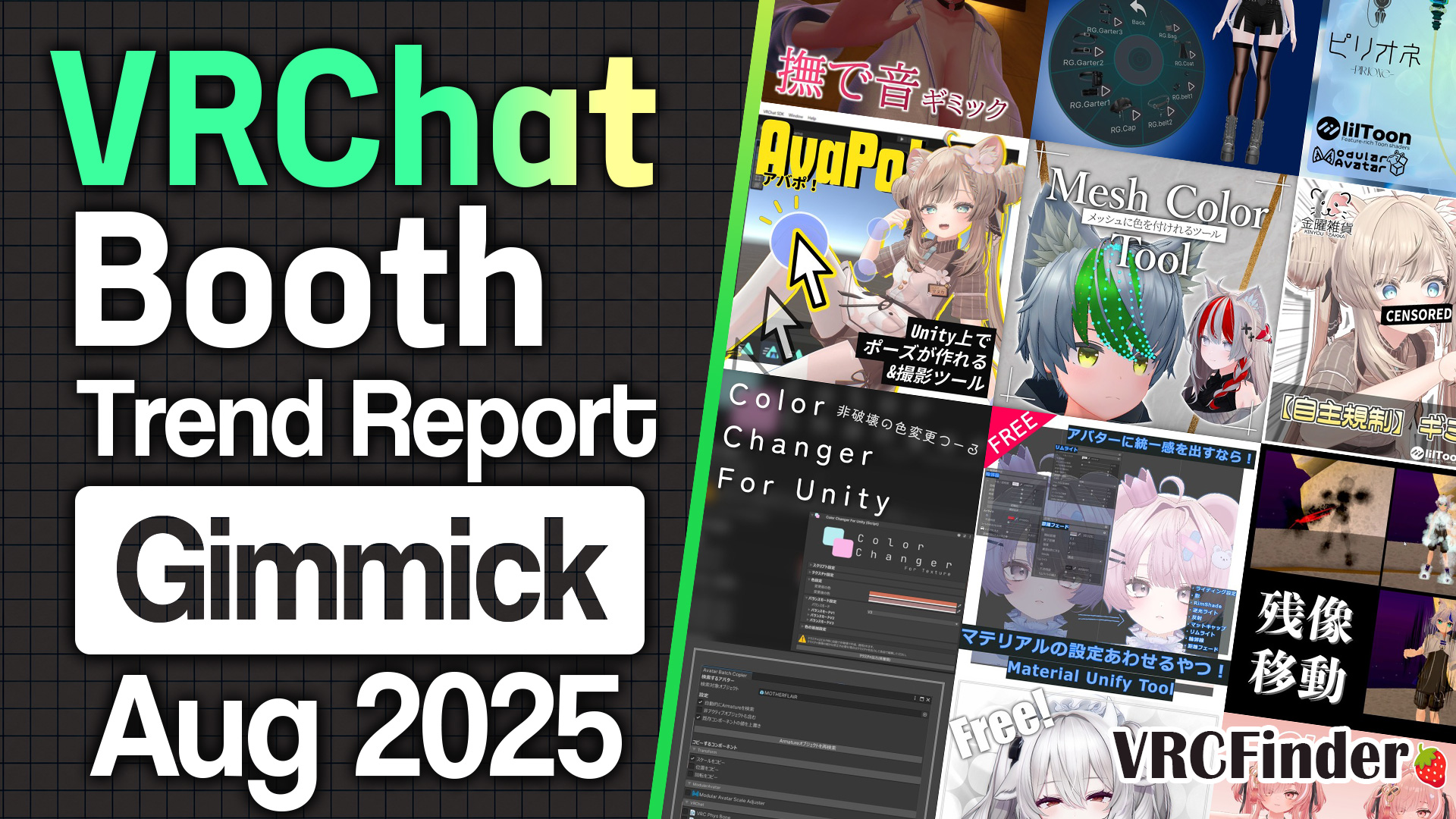
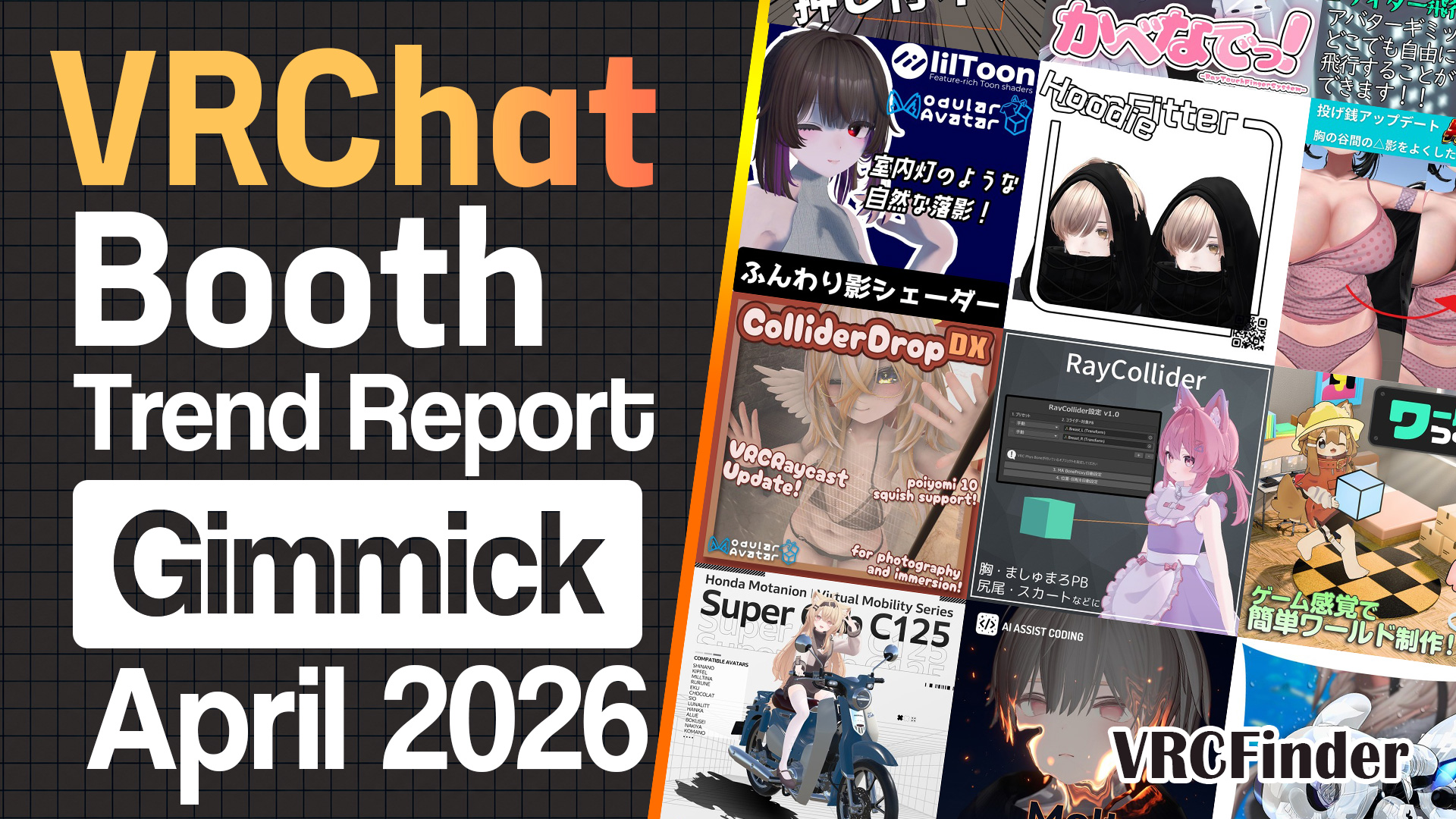
![[July 2025] VRChat Gimmick Trends & Ranking | Booth Trend Analysis](/static/d5028156a38385403e1d92770391e79b/july-2025-gimmick-picks-cover.jpg)
A data-backed look at the new gimmicks and tools published on Booth in July 2025, ranked by the likes they gathered. What stood out this month was tools that pick one point of friction in modification and remove it completely.
First place went to a conversion tool that fits outfits to avatars they were never built for (22,788 likes). Let's start there and work down.
📊 About the data Aggregated: 2026-07-25 / Scope: gimmicks and tools published 2025-07-01 to 2025-07-31 with 300+ likes (121 items)
- Top 10 Gimmicks & Tools
- #1: Alterith / スズ製作所
- #2: TexColorAdjuster / ばんびのちょうじょう
- #3: V Switch / Vkan shop
- #4: Video Player Error Countermeasure Tool / hakkin
- #5: Patchwork Monster / 8ya
- #6: AvatarPoseSystem:AlterBody / ZeroFactory
- #7: Matcap Maker / dennokoworks
- #8: DynamicsAdvanceSetter / LABO405の出来合い置き場
- #9: nmSeashore / ねむ
- #10: TexSticker / Nand-Tech
- July 2025 Trends
- Summary
Top 10 Gimmicks & Tools
Ranked by like count as of July 2026, with a look at how each one works.
#1: Alterith / スズ製作所
An outfit-conversion tool that erases "I can't wear this because it isn't made for my avatar." Normally in avatar customization, you can't wear an outfit unless it supports your specific avatar, and expanding that support means either waiting for the creator to add it or transferring the weights yourself. Alterith fits the outfit to you by transferring its bone weights to your body — you just specify the "source avatar" the outfit was made for and the "target avatar" you want to wear it on. Its 22,788 likes are the only 20k+ figure in July's gimmick & tool category, the single release that shaped the month's terrain.
In other words, it's a tool for widening the range of outfits your existing avatars can actually wear: even if your avatar isn't on an outfit's support list, you can use it as long as you own a supported avatar with a close body type to base the conversion on. Usage, troubleshooting, and the changelog are all organized on an official documentation site, and it runs on Windows 10+ 64-bit with Unity 2022.3.22f1. At ¥3,000 — a higher tier even within the Top 10 — it still earned reach far beyond the rest as a tool that lifts the ceiling on customization freedom.
#2: TexColorAdjuster / ばんびのちょうじょう
An editor extension that converts "only the color" while keeping the original shading and texture, unifying tone across parts. Parts gathered from here and there during customization tend to drift apart in color — hair, animal ears, and clothes end up out of sync, with "the kemono ears clash with the hair" or "the shadow colors don't match." This tool moves the tone closer while preserving brightness, saturation, and gamma; you just specify a reference texture and the texture you want to change. You can convert a black-haired avatar to a soft blue in one touch while keeping the kemono ears in sync with the hair. It took 15,484 likes for #2.
What makes it land is per-mesh (per-part) recoloring: jobs like "recolor only the kemono ears that would otherwise change along with the hair" — which used to require opening a texture editor — finish inside Unity. It also supports NDMF non-destructive processing, and (lilToon only) transfers an entire material's lighting, shadow, RimShade, backlight, and rim-light settings between materials. At ¥200–¥500 it's among the cheapest in the category, and the ease of just dropping a part in from the hierarchy to read its color helped push it to the #2 spot.
#3: V Switch / Vkan shop
A free haptic gimmick that uses sound to fake the feeling of being touched in touchless VR. VRChat normally gives no physical feedback when someone touches you. V Switch works on a simple idea: touch a ContactReceiver set on the avatar, and a low, heartbeat-like sound gives a faint vibration to your eardrums, tricking the brain into feeling "touched." It adds presence to VR's sight-dominant senses, through hearing. With 6,858 likes it's the first free release in the Top 10.
The free version plays a single sound on touch; the Extra version (¥500) keeps the sound going for as long as contact continues. It's MA-preconfigured, so it works by just dropping it under your avatar, and anyone wanting more immersion can tune the ContactReceiver settings themselves. It's an example of the "lower the barrier for free, and offer a paid version for those who want to go deeper" staged design — the kind tool creators use — appearing on the runtime-gimmick side too.
Sponsored
#4: Video Player Error Countermeasure Tool / hakkin
A resident tool that automatically fixes the "YouTube won't play inside VRChat" problem at launch. For situations where video worlds or players suddenly stop showing YouTube, this is a standalone Windows executable, not a Unity asset. It's the evolved version of a prior release, fully automating what used to require manually specifying a launch method. With 6,137 likes it's one of the two free releases in the Top 10.
The mechanism: continuously using the same IP can get you flagged as a bot and locked out, and this tool avoids that by switching the connection mode only while VRChat is launching. It sits in the task tray, detects VRChat starting and quitting, and automatically reverts the connection method on exit. Auto-launch at Windows startup is an option, too — hassle-free by design. The interesting part of the distribution is that the paid version is identical in content to the free one; the paid side is framed as support to be "put toward VRChat's growth." It's distributed widely for free, with a separate basket for people who want to chip in.
#5: Patchwork Monster / 8ya
A full-fledged monster-raising game implemented as an avatar gimmick you walk around with in VRChat. Feeding, world exploration, defeating enemies to collect materials, move combos, and even networked battles — all packed into an avatar gimmick as a kind of "limits challenge." A small, patchwork-stitched monster trots alongside the avatar while an HP / money / move-gauge HUD sits on screen: pet companionship and a game UI living in the same build. ¥3,000, 4,595 likes.
Where avatar gimmicks usually center on "staging" like expressions and effects, this one is unusual in putting game systems themselves — save data, evolution branches, networked battles — onto the avatar, which is why it links to a dedicated Windows app (PCVR-only, requiring OSC and "Allow Untrusted URLs"). At roughly 22MB texture memory, 40,188 polygons, and 71 parameter memory, it's a heavyweight spec for an avatar gimmick. Setup finishes with the dedicated app's one-click flow, and the how-to-play is organized in a dedicated world, "Patchwork Shop." Updates have continued past release — battle stabilization, OSCQuery support — a thickly built piece of work.
#6: AvatarPoseSystem:AlterBody / ZeroFactory
A new release from ZeroFactory — the creator behind the popular AvatarPoseSystem gimmick — this extension lets you split into a separate body the instant a pose is fixed. 4,068 likes, ¥1,200. It doesn't run on its own; it's an add-on that assumes the base AvatarPoseSystem (v3.0.0+) is already installed.
Normally you have one avatar in VRChat, but AlterBody makes a clone of a different avatar appear on the spot the moment you lock a pose with AvatarPoseSystem. Release the lock and the clone disappears. The key point is that the main body and the clone can have separately controlled expressions (via FaceEmo) — so you can set up shots that one person can't normally take, like placing a standing clone beside a lying-down main body. To prevent misfires, releasing requires a 1-second hold, and there are 5- and 15-second timer locks, plus fine menu options to fix just the clone's body or just its PhysBones. It's an extension that answers the "I want another me" of the photography crowd.
Sponsored
#7: Matcap Maker / dennokoworks
Windows software for freely creating matcap images with slider operation alone. A matcap (a technique that bakes material appearance into a sphere texture to fake lighting) is handy for metal and glass gloss, but you normally either hunt for a premade one or build it yourself in an image editor. Matcap Maker lets you layer base color, spot light, rim light, noise, and gradient, then export the texture you want while watching a real-time sphere preview. 3,789 likes, ¥1,000–¥2,000 (including the support edition).
The design is close to a paint app: a large sphere preview, a list of the layers you stack effects on, and a properties panel for the selected layer. The gradient layer takes up to 8 color stops, and a Color Adjustment of hue/saturation/brightness corrects the composited result all at once. The images you make are free to use for commercial or non-commercial work, and it's openly distributed with a public GitHub repo. dennokoworks also released a gradient-baking tool the same July — a creator who keeps putting out tools that support texture creation.
#8: DynamicsAdvanceSetter / LABO405の出来合い置き場
An extension tool that dynamically shifts the contact detection assigned to your palms over to your mouth or feet. In VRChat's AvatarDynamics, grabbing and holding PhysBones is basically done with the palm's detection. This tool lets you move that detection to your mouth or feet from the Ex menu, making play like holding a PhysBone in your mouth or grabbing it with your feet possible. 3,635 likes, ¥1,000–¥2,000.
By design, only the "detection" moves — the avatar's bone structure is untouched, a non-destructive approach. To actually grab, you make the gripping motion with the relevant hand's controller, and the contact resolves at the mouth or foot position (the fingertip detection doesn't move). It's a strong interaction for photography and novelty, with manuals in Japanese and English, and from right after release it got steady updates — an English-environment error fix, grab-angle correction, and more.
#9: nmSeashore / ねむ
A sea shader and world gimmick set recreating a shoreline where rough waves crash on a shallow sandy beach. It's a special sea shader specialized in the surf zone (the foaming band where waves break), pre-set up for VRChat worlds. It gathered 3,554 likes, and at ¥3,800 it's the highest-priced release in the Top 10. The July timing helped — it landed with people who wanted to build a summer beach world.
The design balances "big and light": by default it's a 2.5km straight coastline, with near-equivalent Quest (mobile) support. The wave animation syncs across all players, so everyone sees the same waves. It bundles an auto-scrolling window-view world template for building a coastal sightseeing train, and buoyancy gimmicks — buoy, beach ball, float ring — so you can enjoy a swim too, a wide range of included content. A ready-to-use sample world ships with it. Lightweighting and sync adjustments have continued long past release — a piece kept in good repair as a foundation for world building.
#10: TexSticker / Nand-Tech
A tool specialized in pasting large numbers of textures onto an avatar. When you want tattoos, decals or logos on skin or clothing, you normally line them up against the UV in a texture editor. This tool lets you paste directly while looking at the model inside Unity, changing the projection to match the shape of the surface. 2,912 likes, ¥500.
The practical part is that the base texture and the pasted textures save separately, so you can export just the pasted areas at high resolution. It works on outfits and world objects as well as avatars. Updates came in fine increments — hue adjustment, a "twist" for projecting onto curved surfaces, UV correction, color and opacity via a color wheel, and keyboard shortcuts, all stacked up within two weeks of release. A feature for importing existing tattoo textures followed the next year.
Sponsored
July 2025 Trends
Beyond the ranking, here's what the data says about all 121 gimmicks and tools published on Booth in July 2025.
| Metric | Value |
|---|---|
| Items in scope | 121 |
| Average likes | 1,405 |
| Median likes | 718 |
| Median price | ¥300 |
| Share that are free | 33% (40 / 121) |
| Items priced ¥3,000+ | 7 |
| Items tagged "for photography" | 41 |
| Top 10 running outside VRChat | 3 (#4, #5, #7) |
Average likes of 1,405 against a median of 718. With first place at 22,788 pulling the mean upward, the top two sit an order of magnitude above everything else. Median price is ¥300 — among the lowest of any category.
Features: MA as the base, particles and lilToon next
Top 10 Features
Distribution of product features, capabilities, and gimmick types.
Feature tags run MA compatible 74 as the base, then lilToon 37, particles 33, world-fixed 11 and shape keys 10. Installing through Modular Avatar remains the assumption, with particles and shaders layered on top for presentation. Among keywords, "for photography" leads at 41.
One photography-side release caught the eye.
manzp's SHOP's "VRC FilmSnap" is a camera gimmick modeled on a film camera, distributed with Modular Avatar setup already done, so the act of raising and shooting becomes part of the performance. ¥800.
On the particle side, one release turns drawing a weapon into a moment.
くろねの工房's "Weapon_Selector" is a gimmick system that summons up to eight weapon models around you and lets you take any of them in either hand. You combine it with weapons you already own, adding a beat of arrival to something you used to just hold bare. Models you aren't holding can be hidden, at ¥300.
From the lilToon side, one release that swaps a whole set of surfaces at once.
NyarBit's "Nyros Material" is a lilToon material set in monochrome with a metallic sheen. It's AudioLink-compatible, so the glowing parts react in time with music. Swapping the materials on outfits and small items pulls the whole avatar's surface treatment into line. ¥500.
On the shape-key side, one release widens the expressions themselves.
よるねこキャット屋's "Prefab that adds a pile of expression menu entries" lines an avatar's expression shape keys — eyes, blush, sweat, tears — into the radial menu in one go. It skips the work of wiring each entry by hand, so the shape keys an avatar already has become usable. Free.
Supported models: Kipfel and Mamehinata lead
Top 10 Supported Models
Distribution of supported avatar models.
Supported models run Kipfel 12, Mamehinata 8, Manuka 7, Milltina 6 and Shinano 5. Shinano and Manuka top the outfit and hair tallies too, but Kipfel and Mamehinata leading here points to a steady stream of gimmicks aimed at shared-base series.
One of those, for Mamefriends.
まっちゃのおみせ's "MiniFriends!" is a prefab that shrinks Mamefriends avatars. Any avatar on the same shared base can be scaled down for side-by-side shots. Released free.
From the Kipfel side, one built for summer.
AMINGU's "Float Ring Locomotion" lets you move around while sitting in a float ring. Walking motion is replaced by drifting on the water, and you can swap in whichever float-ring model you own. ¥500, ready to play in any waterside world.
On the Mamehinata side, one for carrying a companion.
のりたま3工房's "With Mamehi" lets you carry Mamehinata along with you, with a lying-down mode and a dress-up prefab bundled in. ¥800 — a sign that shared-base series are now producing "bring them along" gimmicks too.
Price: 40 free releases, and seven above ¥3,000
Price Distribution
Price bucket distribution for products in this theme during the period.
The distribution runs free 40, ¥1–499 at 26, ¥500–999 at 33, ¥1,000–1,999 at 14, ¥2,000–2,999 at 1 and ¥3,000–4,999 at 7. A third of the field is free, yet seven items reach ¥3,000 or more — the price spread pushes to both ends. The Top 10 shows it directly: free at #3 and #4, ¥3,000 at #1 and #5, ¥3,800 at #9.
Give away the small single-purpose things; charge properly for the built-out ones. That split reads straight off the distribution.
From the free side, one that adds a single beat of motion.
L3iaのアトリエ's "Thing that stops your skirt flipping up when you jump" does exactly what its name says — it keeps the skirt from lifting at the moment you jump. Released free, it's a textbook example of a small tool that solves exactly one annoyance.
From the ¥1–499 band, one that tidies up surface treatment.
にゃむのお店's "Nyamu Toon Material" is a lilToon preset that softens how skin shading falls. Swapping the material changes the whole look of the shading, so you get the surface you want without tuning shader settings yourself. ¥300.
July trends from a creator's view
Four things worth noting from the Top 10 and from July as a whole, read from a creator's side of the table.
| Metric | July 2025 |
|---|---|
| Items in scope | 121 |
| Median price | ¥300 |
| Median likes | 718 |
| Share that are free | 33% (40 / 121) |
| Top 10 price range | Free (#3, #4) – ¥3,800 (#9) |
| Top 10 running outside VRChat | 3 (#4, #5, #7) |
| Highest like count in the Top 10 | 22,788 (#1 Alterith) |
Notes for gimmick creators:
-
Go after the wall itself — first place gathered 22,788 likes, far beyond anything else in the category. The outfit support list has long been a given for buyers and makers alike. Making that given passable with a tool is what produced the gap. Finding the point where everyone stalls in the same place is finding the demand.
-
Tools don't have to live inside Unity — fourth is an executable on the PC, seventh is Windows software for making Matcaps, fifth is a raising game built on a dedicated app and OSC. Improving the VRChat experience doesn't require the shape of a Unity extension or an avatar gimmick. Depending on where the friction sits, solving it from outside can be faster.
-
Prices push to both ends — 40 free items make up a third of the field, while seven sit at ¥3,000 or above, with a median of ¥300. Hand out one small function, or build something out and price it accordingly — the middle is thin here, and the free-plus-paid split at third place is a standard shape.
-
Post-release speed becomes trust — tenth added hue adjustment, twist, UV correction and shortcuts within two weeks; second added a VCC package and non-destructive processing. Tools accumulate requests the more they're used, and how you answer becomes the explanation the next buyer reads.
Summary
July 2025 in gimmicks and tools was a month where the tools that placed picked one shared point of friction in modification and removed it. First place breaks the wall of the outfit support list; second matches colors that drift apart across parts. Neither adds new expression — both open a path where people were stopping just short of what they wanted to do. The 7,000-like gap between first and second measures how many were stopped there.
The other thing on display was how wide the category's footing is. An executable on the PC, software for authoring Matcaps, a raising game paired with a dedicated app. A tool that improves VRChat doesn't have to run inside VRChat — and with a third of the field free while a ¥3,800 shader sits alongside it, July showed this category at its most open.
Sponsored
Other categories from July 2025
New releases published on Booth in July 2025 are covered by category in these monthly reports.
- [July 2025] VRChat Avatar Trends & Ranking | Booth Trend Analysis
- [July 2025] VRChat Outfit Trends & Ranking | Booth Trend Analysis
- [July 2025] VRChat Hairstyle Trends & Ranking | Booth Trend Analysis
- [July 2025] VRChat Accessory Trends & Ranking | Booth Trend Analysis
- [July 2025] VRChat Small Item Trends & Ranking | Booth Trend Analysis
- [July 2025] VRChat World Trends & Ranking | Booth Trend Analysis
About the data
- Aggregated: 2026-07-25 (original publication aggregated: 2026-06-09)
- Scope: gimmicks and tools published on Booth between 2025-07-01 and 2025-07-31 (121 items)
- Ranking basis:
like_countin descending order at the time of aggregation. Both the ranking and the statistics in this article have been re-aggregated - Inclusion: the VRCFinder database only collects items with 300 or more likes, so anything below that threshold at the time of aggregation is not part of this set
- Note: the figures and ranking here are a snapshot from the aggregation date and may differ from current values. "Published" refers to when the Booth product page went live, which can differ from when sales actually began
- Specifications and prices reflect the Booth product pages at the time of writing. Sale prices and updates can change, so please check the Booth page before purchasing