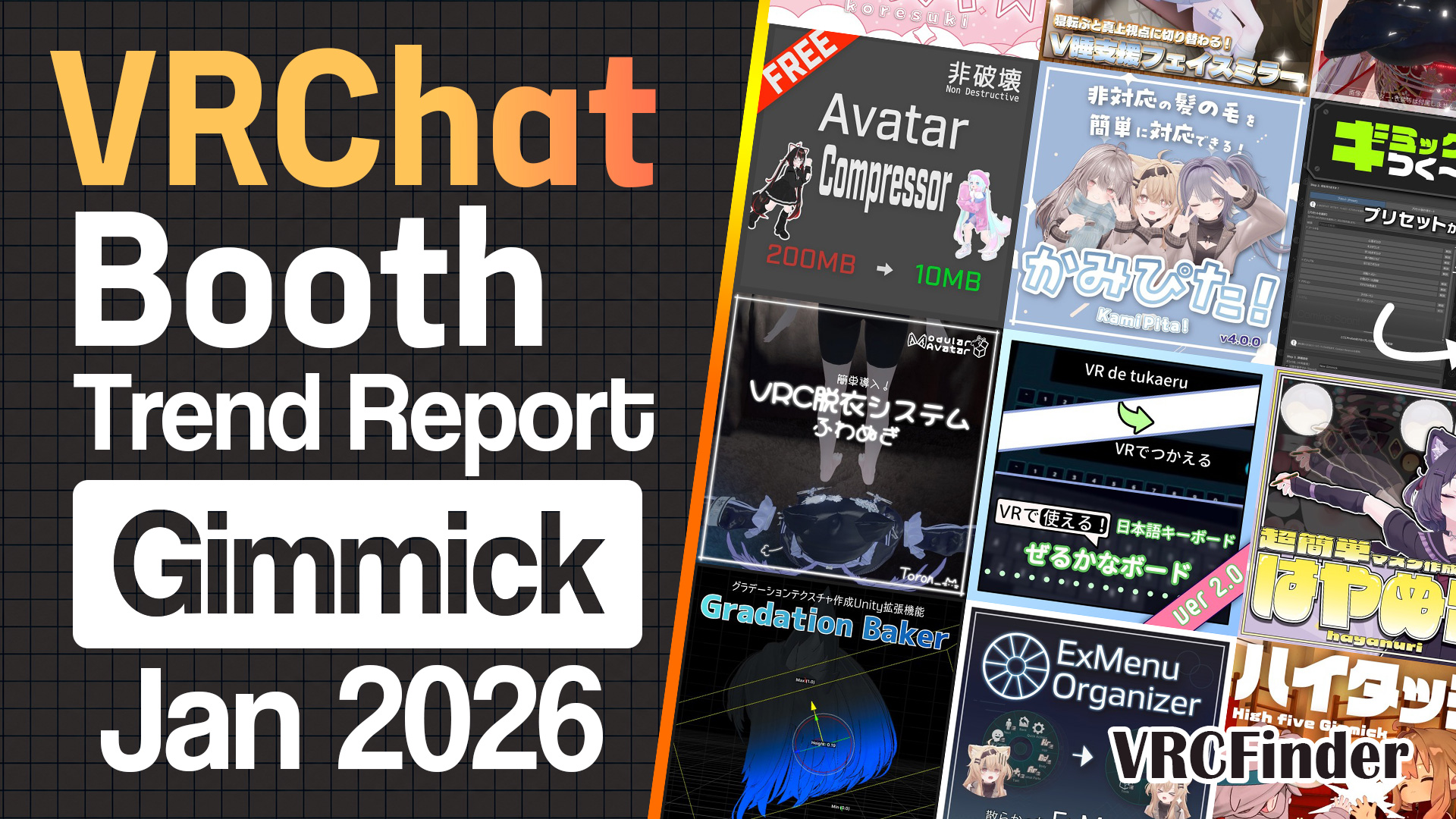
![[February 2026] VRChat Gimmick Trends & Ranking | Booth Trend Analysis](/static/737faa59b5ccf6fe975933c3ba875300/february-2026-gimmick-picks-cover.jpg)
Hair color matching, slider-based body editing, auto-generated jiggle physics, and an AI agent that runs on plain language — February 2026's new gimmicks and tools on Booth lined up the top ranks with instruments that erase one modification chore after another. Look across them and a shared theme emerges: distribute wide for free or cheap, then monetize once the tool is embedded in people's workflows.
At the top sits a dedicated hair-chimera tool that non-destructively fixes the color mismatch when multiple hair assets are combined (9,895 likes). Let's start there and go through the lineup one piece at a time.
📊 About the data Compiled: 2026-07-13 / Scope: gimmicks and tools published on Booth between 2026-02-01 and 2026-02-28 with 300+ likes (126 items)
- Top 10 Gimmicks & Tools
- #1: Chimera Hair Master / ばんびのちょうじょう
- #2: VRC Avatar Viewer / Rob's Shop
- #3: Chichi wo More! / マサカ煮屋
- #4: Fisheye Lens Gimmick / むじむじ商店
- #5: ShadowField / お手上げ領域
- #6: Paint! Pick! Mask Maker / ばんびのちょうじょう
- #7: BoundBonePro / 紫陽花広場Works
- #8: Ghost Preset / のちゃすとあ
- #9: Tsukuyomi-Style Logout Effect / オレンジ/orange3134
- #10: UnityAgent / 紫陽花広場Works
- February 2026 Trends
- Wrap-up
Top 10 Gimmicks & Tools
Ranked by like count as of the compile date (July 2026), here's one pick at a time with the engineering worth noting.
#1: Chimera Hair Master / ばんびのちょうじょう
A new release from ばんびのちょうじょう, the creator behind the popular "TexColAdjuster" — a dedicated hair-chimera tool that fixes "the colors don't match," "separate materials are heavy," and "the position is off" in one pass when multiple hair assets are combined. As of the compile date (July 2026) it sits at 9,895 likes, February's top gimmick/tool.
The core is a three-piece set: color matching + mesh merging + mask creation. Color matching offers two modes — hue shift (recolor while preserving shading) and gradient (replace the light-dark curve outright) — with individually adjustable saturation/brightness retention. Post-release updates switched the conversion algorithm to OKLab, steadily raising the unification accuracy.
The merge side auto-generates texture atlases (512–4096px) and merges/rebinds bones, cutting the render cost of stacked hair prefabs at the root. Updates then added mesh deformation — reshaping the hair itself by UV island, vertex or lattice with mouse operations. It reaches for the modifier's next request: "matching and merging aren't enough, I want to touch the shape."
It sells as a standalone edition (¥700) or complete edition (¥900), the latter bundling the VCC build of #6, the same creator's mask tool. MIT-licensed, built on lilToon and NDMF (Modular Avatar), with five updates within the month and more since — the category's high-frequency update culture in action.
#2: VRC Avatar Viewer / Rob's Shop
A Windows desktop app that opens and inspects avatars without installing Unity or the VRChat SDK. The Top 10's only standalone-app entry, designed as a viewer that opens .vrc and VRM files by drag-and-drop. As of the compile date, 9,139 likes.
The feature set goes well past "just viewing": a transparent desktop-mascot mode, NDMF support that reflects Modular Avatar / Avatar Optimizer results, in-house jiggle-physics simulation, webcam face tracking (Perfect Sync compatible), and OBS Studio source output — all in one binary. It completes "watch your avatar move" without ever opening the Unity Editor.
The distribution design stands out too: it launched as a time-limited public beta, free until a set date, then moved to paid — now selling at ¥2,200. Give it to everyone, let it lodge in workflows, then set the price: a staged strategy characteristic of tool authors.
#3: Chichi wo More! / マサカ煮屋
A Unity editor extension that reshapes an avatar's body with sliders alone. As the listing puts it, "like a character-creator screen": head, neck, chest, hips, thighs, calves, arms and legs each scale independently, with the chest controllable across seven axes including size, XYZ scale, XYZ rotation and spacing. As of the compile date, 7,501 likes.
The preset system quietly carries it: one click swaps between body types, and a bundled function copies the tuned scale values onto separately-sold outfits with MA Merge Armature in one click — trimming the resizing chore that haunts every outfit change.
Verified on 14 avatars including Milltina, Eku, Shinano and Kipfel (and stated to work on Humanoid rigs generally). Five updates landed right after release, adding presets and fixing joint breakage. ¥500.
Sponsored
#4: Fisheye Lens Gimmick / むじむじ商店
A photography gimmick that warps the in-game camera into a fisheye view. Free, with a control scheme that completes inside VR: pin the handheld camera in space, adjust the angle, shoot. As of the compile date, 7,092 likes.
It goes beyond a simple fisheye: FOV, distortion, vignette, exposure, saturation, contrast and glitch noise all adjust from the menu — a photography module complete inside VRChat. Grid lines aid composition, gestures pin and shoot, and prefabs come in three grades (standard / high-res / ultra) so the photographer chooses between weight and quality.
The highlight: an update cut Expressions Parameter usage from 111 bits to 64 — a head-on answer to the perennial complaint that camera gimmicks eat parameter budget. That level of optimization in a free release is exactly why it ranked.
#5: ShadowField / お手上げ領域
A shader gimmick that, true to its name, adds shadows on the spot. Soft shadows, SSAO (ambient occlusion) and god rays stack like post-processing, built squarely for lifting the depth of a photo scene. As of the compile date, 7,014 likes.
The interesting engineering: it's visible through your camera and to friends, but never in mirrors. You give up mirror selfies; in exchange, the photos friends take of you carry dramatic shadows. A PhysBone-rigged rod physically steers the light direction, and radius, density, brightness and strength adjust individually from the menu — with vignette, letterbox and monochrome finishing bundled in.
The creator labels it "for photography" and is upfront that the render cost is heavy and it isn't for everyday wear. At ¥700, it established a fresh niche: local-only staging built purely for the camera.
#6: Paint! Pick! Mask Maker / ばんびのちょうじょう
From ばんびのちょうじょう again — a mask-painting tool that completes mask-texture creation and editing with clicks inside Unity. The creator's second entry in the Top 10, paired with #1 as workflow support that removes the round trip between a paint app and Unity. As of the compile date, 6,380 likes.
The tools are pared to four — pen, eraser, blur, UV-island select — and the differentiator is that you can paint directly by clicking in the Scene view. "I want to paint this part in 3D — where is it on the UV?" gets solved by touching both the UV window and the Scene view. Gradient masks read and write too.
The origin story is on the listing: "this tool is a byproduct of building Chimera Hair Master." Since #1's complete edition bundles this tool's VCC build, a cross-bundle between the creator's own products falls out naturally — buy the complete edition for both, or this alone at ¥300 for the lowest possible barrier.
#7: BoundBonePro / 紫陽花広場Works
An editor extension that adds a soft "purun" jiggle to an avatar's belly, hips, thighs and calves using Unity alone — no Blender. Aimed straight at the center of VRChat's jiggle-physics culture. As of the compile date, 6,201 likes.
The engineering hinge is "Weight Stealing," a proprietary weight-transfer algorithm that gracefully borrows weights from surrounding bones. It prevents mesh breakage at bent joints and UV-seam tearing while reproducing the flesh-specific bounce where only the jiggling surface softens. It's non-destructive — the original mesh stays untouched, with generated meshes doing the work, revertible any time.
Updates have landed at a near-daily pace since release: rewritten weight painting, outfit-bone support, localization, even experimental world-collider collision. Priced at ¥1,500 (commercial edition ¥5,000). Together with #10 UnityAgent, 紫陽花広場Works placed two works in the month's Top 10.
Sponsored
#8: Ghost Preset / のちゃすとあ
A shader-side gimmick that ghosts an avatar via lilToon presets — translucent, faintly glowing, aimed squarely at Halloween staging and horror roleplay. As of the compile date, 3,584 likes.
Its signature is breadth: dedicated masks ship for 40+ original avatars — Chiffon, Chocolat, Manuka, Shinano, Milltina and on. Preset products normally assume you build your own mask; this one arrives works-out-of-the-box, with single-avatar masks selling from ¥100 each. Preset alone ¥600 / mask full set ¥400 / both ¥1,000.
Note the shader-side prerequisites run thicker than usual — lilToon plus the free Light Limit Changer. Post-release support keeps adding avatars and fixing masks.
#9: Tsukuyomi-Style Logout Effect / オレンジ/orange3134
A fan work modeled on "Tsukuyomi," the virtual world of Netflix's "Cho-Kaguyahime." On logout, pale-blue crystal particles burst outward — bringing that "exiting the virtual world of an SF story" feeling into VRChat. As of the compile date, 3,460 likes.
Modular Avatar ready with a setup helper script; PC-only, explicitly not for Quest. At ¥1,500, it stands as the point where the Cho-Kaguyahime fan wave that swept the small-item category reached the gimmick side — a very February entry.
#10: UnityAgent / 紫陽花広場Works
A natural-language tool that executes avatar modifications by chatting with an AI inside the Unity Editor. Tell it "make the hair blue" or "put this outfit on" in plain language, and the AI picks from 100+ internal tools to drive Unity for you. Free, and the month's most forward-looking entry. As of the compile date, 3,456 likes.
Provider support runs wide — Gemini, OpenAI-compatible APIs (local LLMs included), Claude, DeepSeek and more — and on Google AI Studio's free tier the whole stack runs at zero cost, with development support routed separately through Ko-fi.
The functionality is squarely VRChat-modification-shaped: outfit changes (Modular Avatar), color and texture edits, expression setup (FaceEmo), PhysBone configuration and toggle creation, all by natural language. Destructive operations ask for confirmation in chat, and a single button rolls back the session's changes. The source later went public on GitHub — bringing the "free + OSS + tip-jar" distribution pattern into modification tooling as February's emblematic move.
Sponsored
February 2026 Trends
Stepping back from the ranking, here's what the data says about all 126 gimmicks and tools published on Booth in February.
| Metric | Value |
|---|---|
| Items in scope | 126 |
| Average likes | 1,301 |
| Median likes | 696 |
| Average price | ¥535 |
| Median price | ¥300 |
| Share of free items | ~37% (47 / 126) |
| Share under ¥1,000 | ~80% (101 / 126) |
| Top 10 modification-support (editor extension) entries | 6 (#1 / #2 / #3 / #6 / #7 / #10) |
| Top 10 photography/staging entries | 4 (#4 / #5 / #8 / #9) |
The ¥300 median is a step below January's ¥500, with twin peaks at free (47) and ¥500–999 (37) shaping the distribution. "Distribute wide, embed in workflows" weighs on the category's center of gravity even more than in January.
Features: MA-ready near half, shape keys become the battleground
Top 10 Features
Distribution of product features, capabilities, and gimmick types.
The feature-tag tally: MA-ready 62 (~49%) clear at the top, then lilToon-ready 30 / particles 22 / shape keys 21 / shaders 17 / PhysBone 11 / blendshapes 8. Keyword counts agree — free 45 / editor extension 35 / gimmick 32 / MA-ready 30 / photo-ready 23 / modification 23 — confirming "a tool running on Unity editor extensions plus Modular Avatar" as the category's mainstream form, continuing from January.
The rise of shape-key and blendshape tooling matches the Top 10: #1's mesh deformation, #3's body sliders and #7's jiggle-bone generation all carry a shape-key axis.
As マサカ煮屋's second entry of the month alongside #3, a contrasting shape-key generator also arrived.
"Punipple" auto-generates a BlendShape that lets chest lines subtly show through outfits — a mesh-modification tool plus touch gimmick that fits nearly any outfit with no mesh editing, at ¥500. マサカ煮屋 ran the body-slider and blendshape-generator pair within the month, becoming the third case of same-month concentration beside ばんびのちょうじょう and 紫陽花広場Works.
For editing the mesh itself inside Unity, a serious entry joined the month's lineup.
edenlabs' "EDEN Mesh Studio" performs vertex-level mesh fixes, symmetry editing and multi-mesh simultaneous editing inside Unity, no Blender needed. Its headline "Multi-Selection" lets you select overlapping outfits together to fix clipping, saving results as shape keys. Designed as a two-stage flow with the same creator's EDEN Auto Morpher, at ¥1,500 (full set ¥2,250), with multilingual documentation aimed well beyond Japan.
Supported models: Milltina, Kipfel and the Komado line as the standard set
Top 10 Supported Models
Distribution of supported avatar models.
The supported-model tally: Milltina 8 / Kipfel 7 / Chocolat 7 / Manuka 7 / Shinano 6 / Rurune 6 / Kumaly 5 / Lumina 5. Tools default to generalist designs so the counts stay small, but the roster of "avatars tool authors support first" matches the same shared-base line as outfits and hairstyles.
Here's a staging piece that took model support unusually wide.
Fourier Accessory's "NadeGlow" scatters glowing particles the moment someone pats your head. Four particle styles switch for photos and everyday interactions; 14 avatars supported including Milltina, Shinano and Rurune, at ¥500 — a flagship of the "wide support + light staging" type holding up the model-axis distribution.
A free converter that transforms fully-modified avatars also arrived with broad Komado-line coverage.
あらまあ素敵なショップ's "Ochibi-chans Converter" turns a fully modified avatar into the chibi "Ochibi-chans" body with one click. Non-destructive — it duplicates before converting — free, and supporting 22 avatars including Chocolat, Shinano, Manuka and Milfy. Easy fun plus easy setup made it a standout in the free tier.
Price: ~37% free, ~80% under ¥1,000
Price Distribution
Price bucket distribution for products in this theme during the period.
The price split: free 47 / ¥1–499 at 17 / ¥500–999 at 37 — 101 items (~80%) by that point, with 18 at ¥1,000–1,999 and 7 above ¥2,000. Free at 47 items (~37%) is the distribution's defining feature; beyond the outright-free #4 and #10, #2 rode in on the timed-free-then-paid curveball.
From the free tier, one piece of playful engineering.
シリアルのお店's "FUSHI Alarm" perches the sea-slug mascot from "Cho-Kaguyahime" on your shoulder, where it blinks its eyes at a set time and chirps you awake — a fan-made alarm gimmick. A bundled Windows companion app links via OSC, so the mascot inside VRChat becomes a real alarm clock. Free — together with the #9 logout effect, the fan wave's most technical expression on the gimmick side.
In seasonal staging, a free-tier-included gimmick matched the holiday.
UTA SHOP's "Blow-Kiss Gimmick" sends flying kisses with three heart-particle styles. Free edition plus a ¥400 paid edition, MA-ready with hand-sign linkage and toggles — Valentine-season staging released in early February, following the free-entry playbook cleanly.
February trends from a creator's view: free rates and monetization
Since this category's readers mix tool authors, gimmick makers and modifiers, here are the indicators most likely to matter to the creator side, January and February side by side.
| Metric | January 2026 | February 2026 |
|---|---|---|
| Items in scope | 104 | 126 |
| Median price / median likes | ¥500 / 726 | ¥300 / 696 |
| Share of free items | ~24% (25 / 104) | ~37% (47 / 126) |
| Top 10 modification-support entries | 7 | 6 |
| Top 10 fully free | 2 | 2 (#4 / #10) + 1 timed-free (#2) |
| Creators with multiple Top 10 entries | ゆいちゃまーと ×4 | ばんびのちょうじょう ×2 / 紫陽花広場Works ×2 |
Points worth a tool author's attention:
-
The free rate climbed from ~24% to ~37% — With the item count up a fifth (104 → 126), free releases nearly doubled (25 → 47). January's free-and-OSS category winner flowed straight into February's distribution decisions. Selling paid now means differentiating against a thick free field — that's the month's new baseline.
-
Monetization split into four patterns — #2 ran a timed free beta into a ¥2,200 launch; #4 shipped fully free as pure branding; #10 stacked free + OSS + Ko-fi; and #1/#6 built a cross-bundle where the cheap standalone folds into the complete edition. Same opening move — give it away — with sharply different recovery designs. Distribution strategy itself is becoming the tool's personality.
-
Concentration turned distributed — January had one author with four Top 10 slots; February had ばんびのちょうじょう (#1/#6) and 紫陽花広場Works (#7/#10) at two each. The former pairs "byproduct → main tool," the latter "a concrete jiggle tool → an abstract AI assistant." One author covering successive phases of the modification flow remains the category's steady pattern.
-
High-frequency post-release updates are standard kit at the top — #1 shipped five updates within the month plus mesh deformation after; #3 took five updates right after launch; #7 improved at a near-daily pace. Modification tools reveal their problems only in use, so response speed after release converts directly into rank — unchanged from January.
Wrap-up
February 2026's gimmicks and tools put modification-support editor extensions in six of the ten slots while distribution strategies visibly diverged. Hair color matching, body sliders, jiggle generation and natural-language AI assistance each claimed a different phase of Unity work, with ばんびのちょうじょう and 紫陽花広場Works landing two entries apiece.
On price, free swelled to ~37% and the median lightened to ¥300 — and within that, four monetization shapes arrived in a single month: timed-free-then-paid, pure free, free + OSS + tips, and cross-bundling. Camera-facing staging like the shadow shader and the logout effect ranked alongside the workbench tools — a month where the category widened on both the instrument and the performance side.
Sponsored
Other categories for February 2026
The new Booth releases of February 2026 are covered category by category in my monthly reports.
- [February 2026] VRChat Avatar Trends & Ranking | Booth Trend Analysis
- [February 2026] VRChat Outfit Trends & Ranking | Booth Trend Analysis
- [February 2026] VRChat Hairstyle Trends & Ranking | Booth Trend Analysis
- [February 2026] VRChat Accessory Trends & Ranking | Booth Trend Analysis
- [February 2026] VRChat Small Item Trends & Ranking | Booth Trend Analysis
- [February 2026] VRChat World Trends & Ranking | Booth Trend Analysis
About the data
- Compiled: 2026-07-13 (originally compiled: 2026-05-06)
- Scope: gimmicks and tools published on Booth between 2026-02-01 and 2026-02-28 (126 items)
- Ranking basis:
like_count(likes) in descending order as of the compile date - Brush-up: this article was updated to the latest format on 2026-07-13, with the ranking and statistics replaced by figures re-aggregated on the same date
- Inclusion criteria: the VRCFinder DB only collects products with 300+ likes, so products below 300 likes at compile time are not included
- Note: figures and rankings are a snapshot as of the compile date and may differ from current values. "Published" refers to when the Booth product page went public, which may differ from the actual sales start
- Supported models, specs and prices for each product are based on the Booth product pages at the time of writing. Sale prices and updates may change, so please check the Booth product page before purchasing